Malware Protection for S3
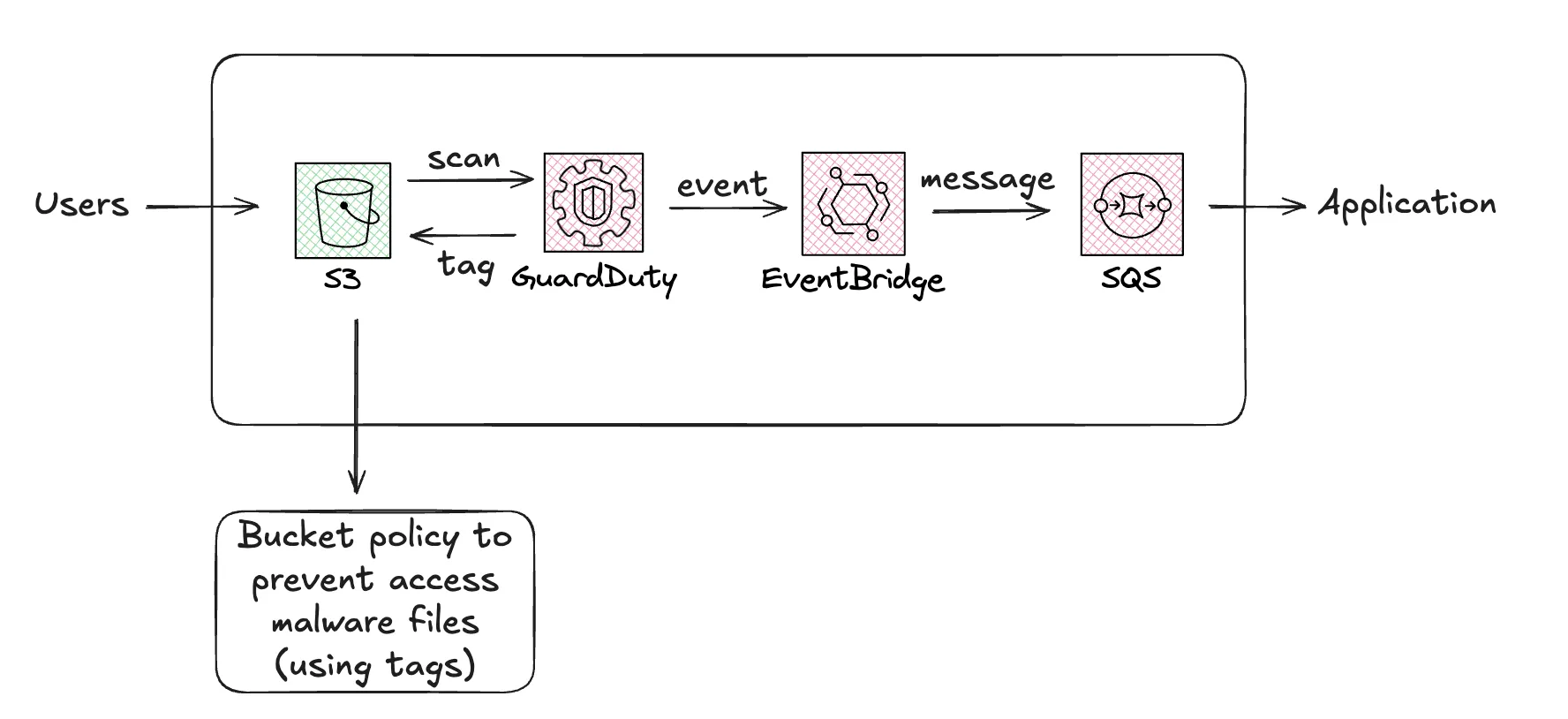
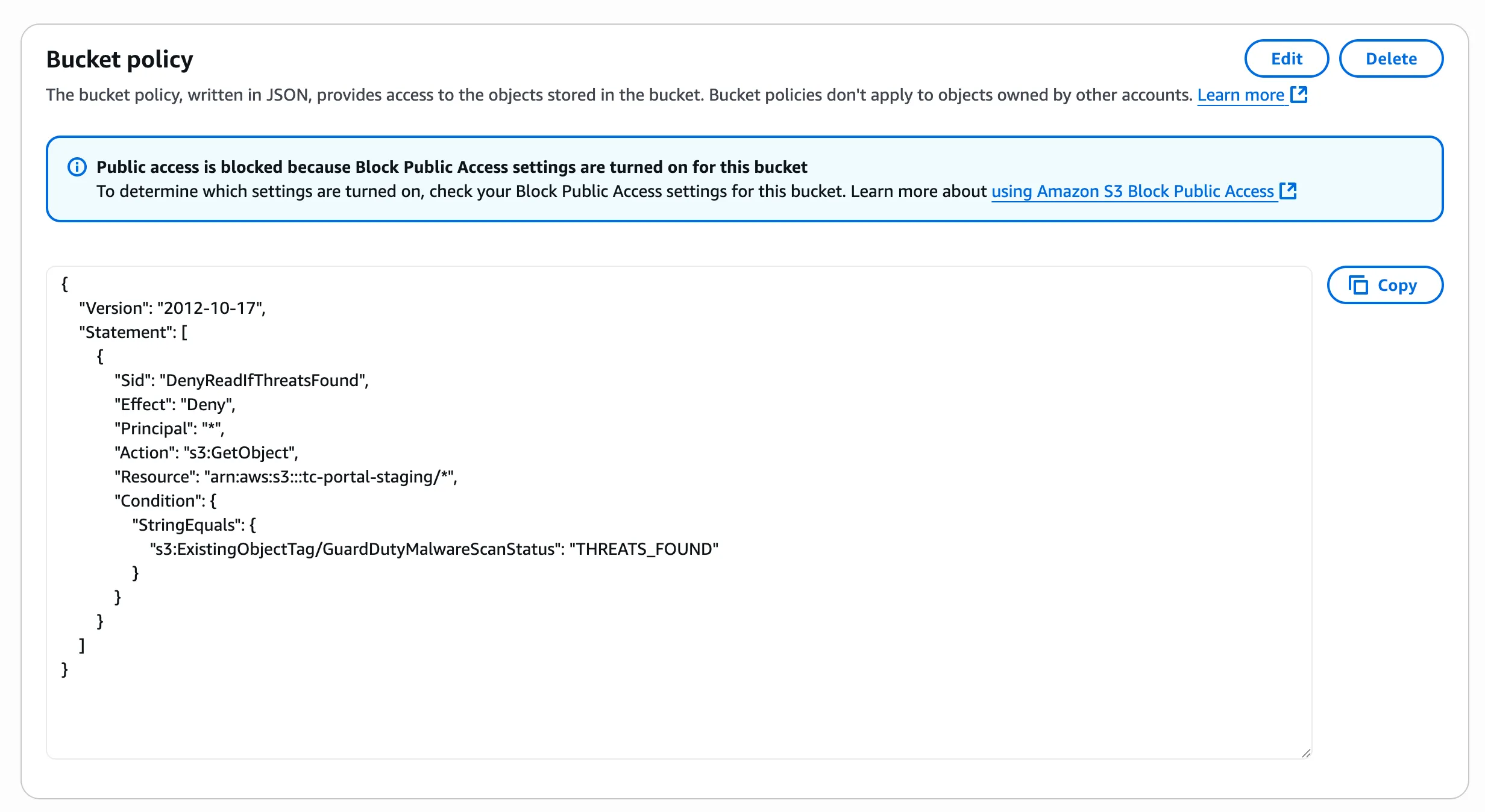
GuardDuty supports malware scanning for S3 buckets with simple configurations. The service has an option to tag S3 files when threats are found, and then we can set up an S3 bucket policy to prevent access to those files using the tags.
It’s also scalable and easy to integrate with other AWS services. Event Bridge and SQS are used to communicate the events back to our application.
1. GuardDuty
Section titled “1. GuardDuty”
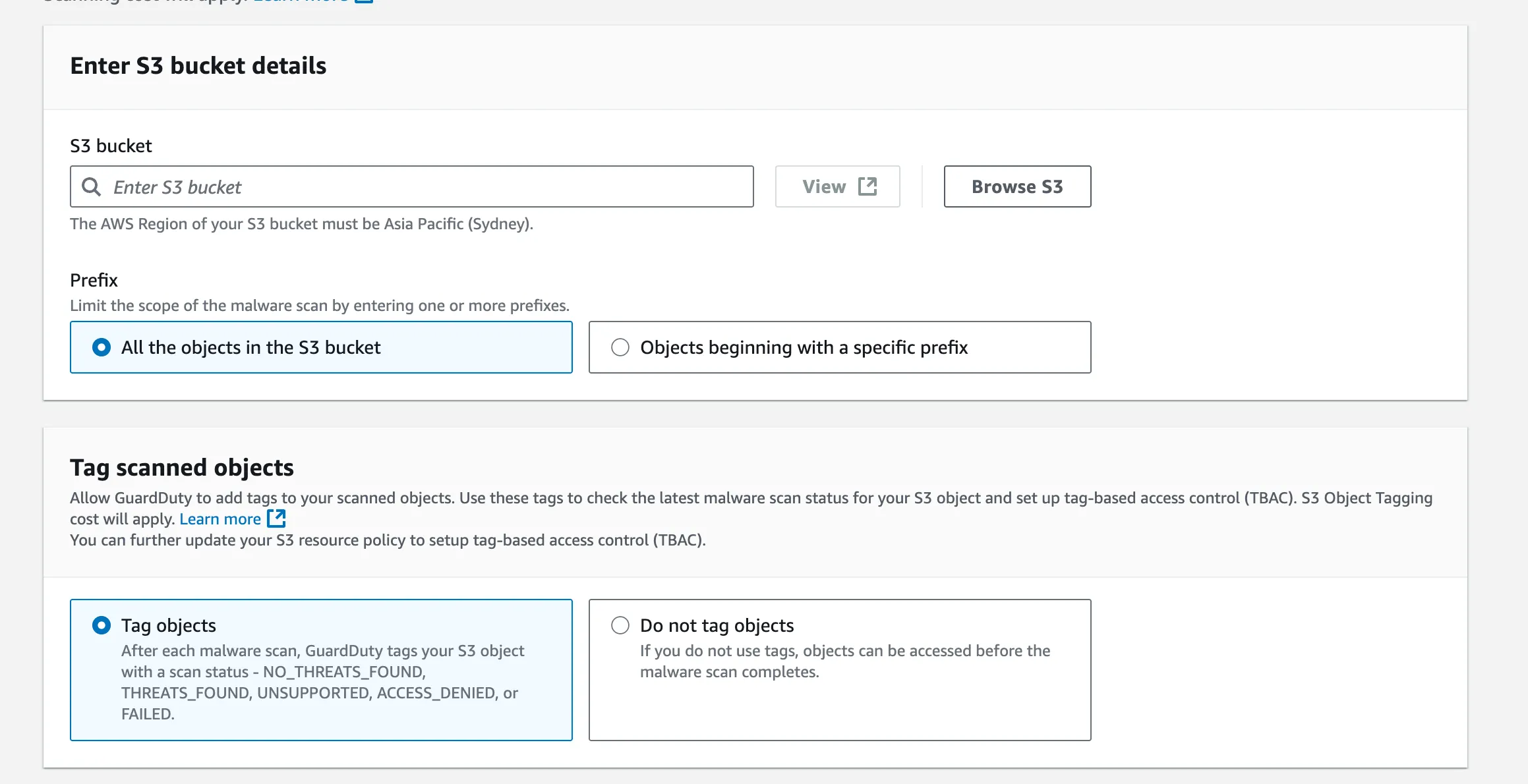
Enable Malware Protection for the S3 bucket that you want to scan (it only scans new files, not existing files).
2. Event Bridge
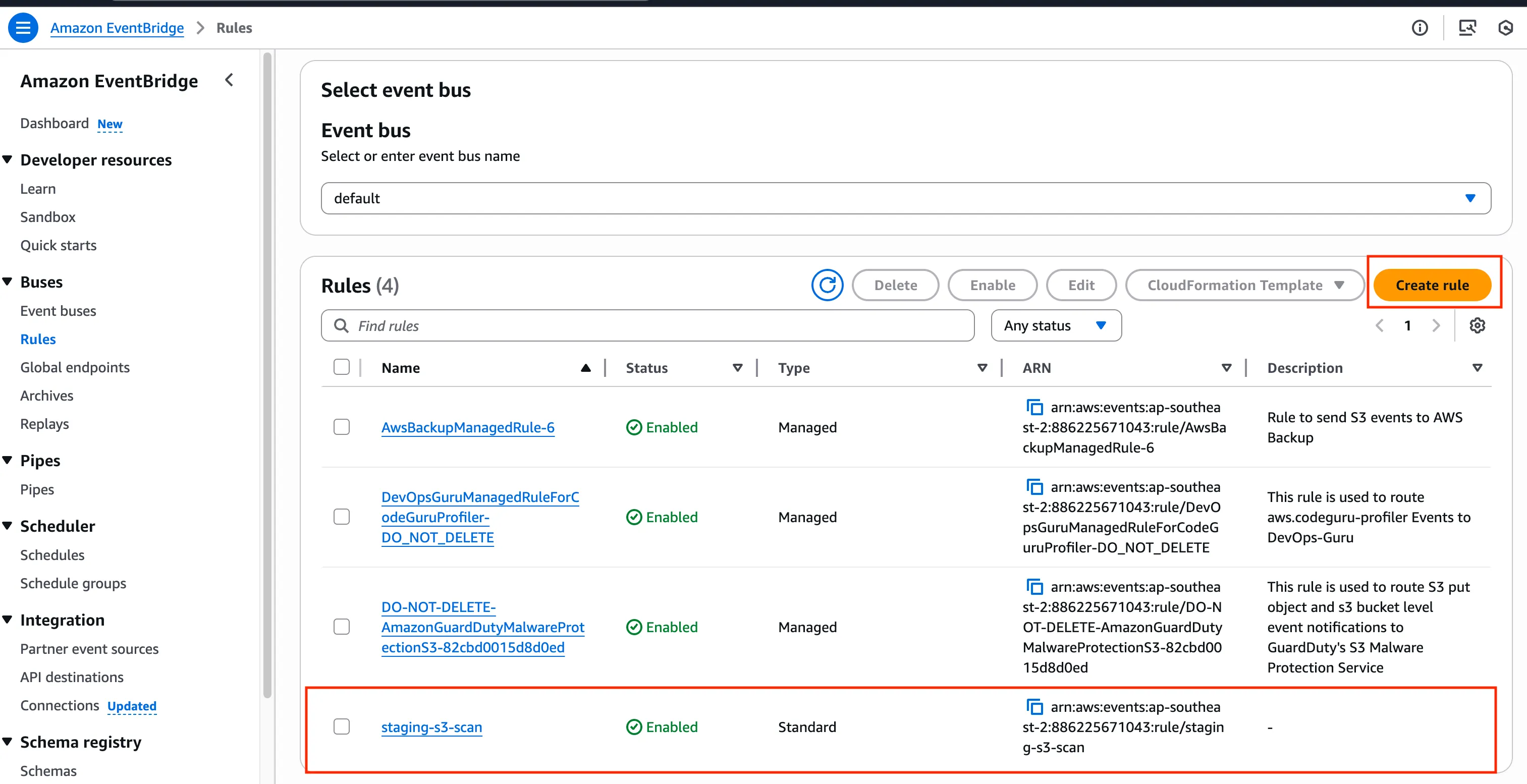
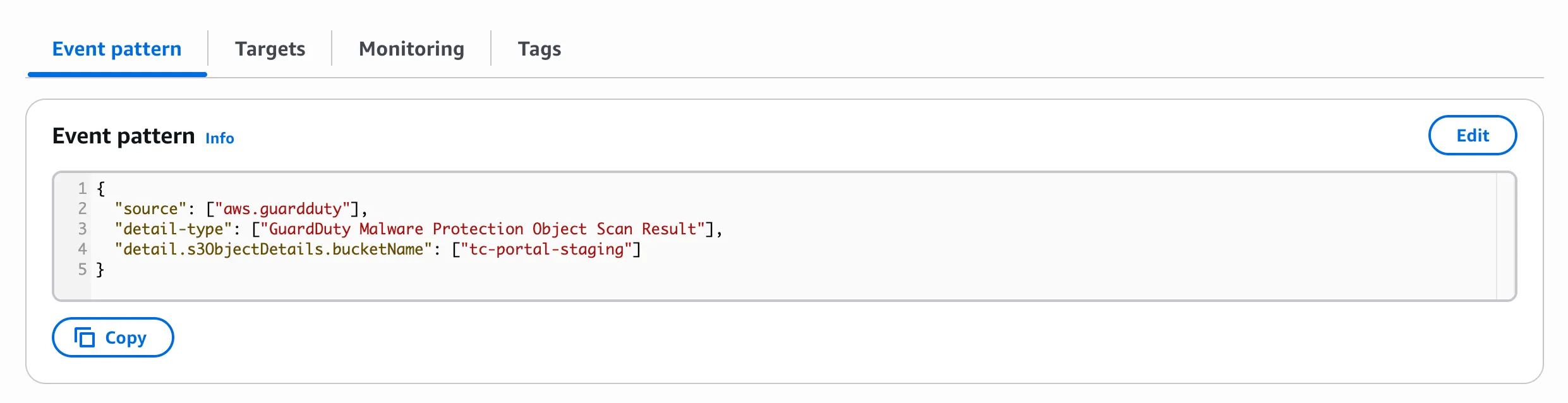
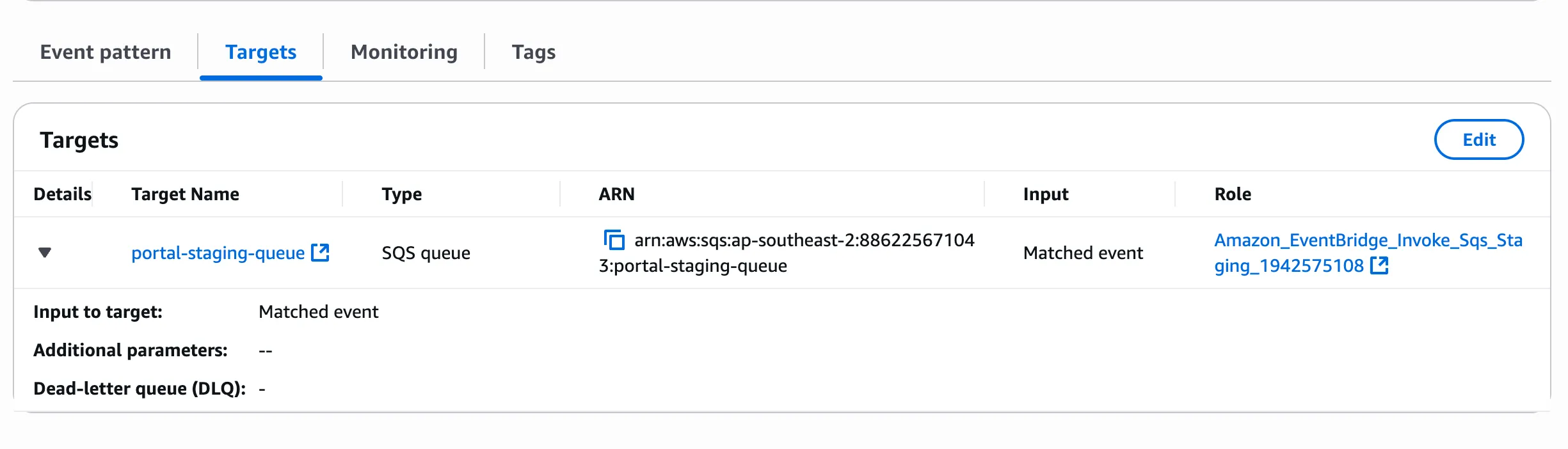
Section titled “2. Event Bridge”This service is used to forward the GuardDuty events to SQS (there’s no native way to go directly from GuardDuty to SQS).
3. SQS
Section titled “3. SQS”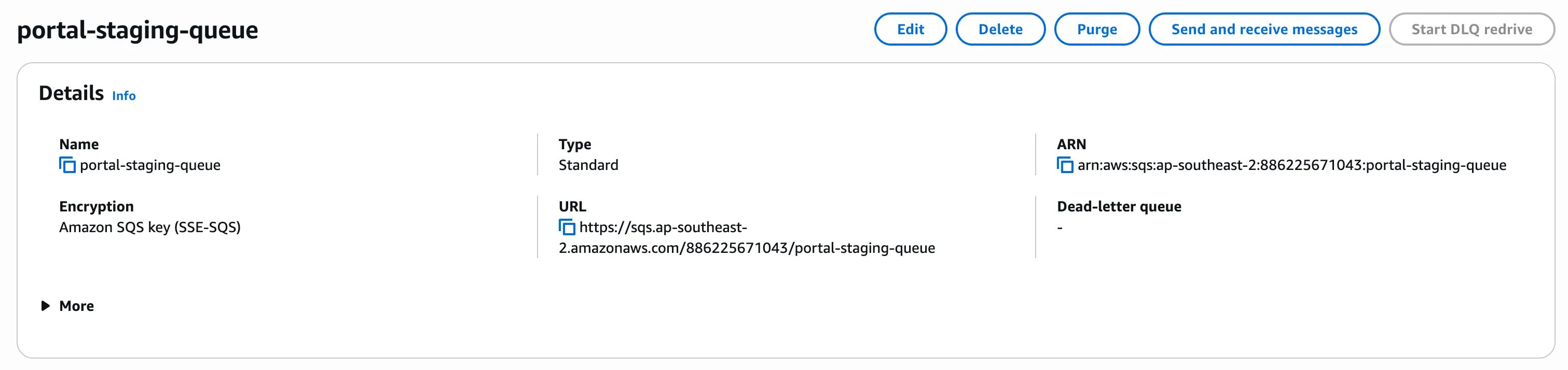
Set up a standard queue to receive messages from Event Bridge (we don’t need FIFO queue for this use case).
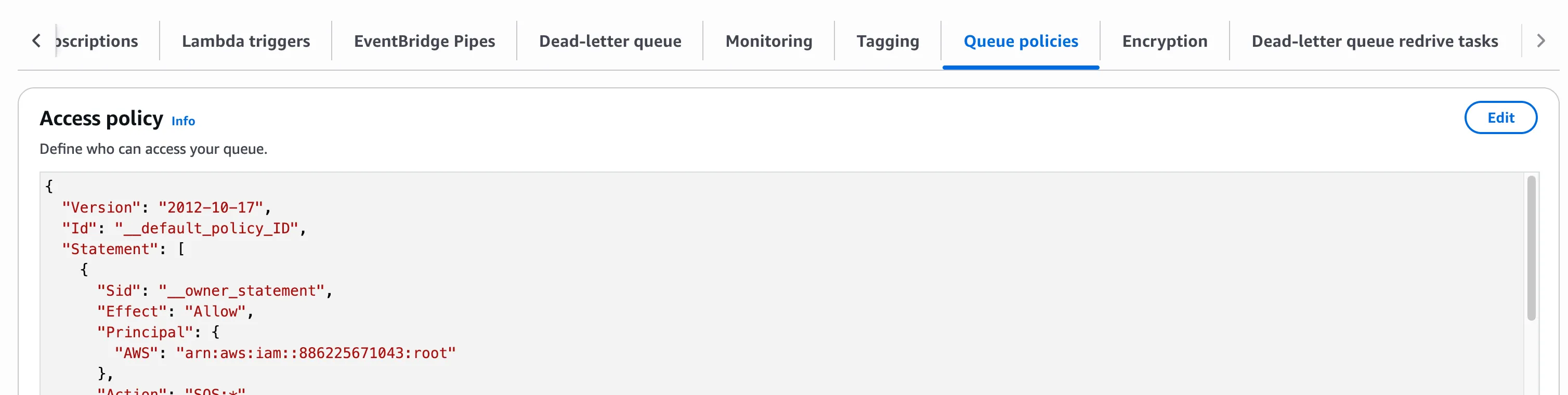
For queue policy, set allowed sender to ARN of Event Bridge rule’s assumed role and set allowed receiver to ARN of the application’s AWS user/role.
We can also set up a dead-letter queue to handle failures.
Update the bucket’s policy to prevent access to malware files:
5. Application
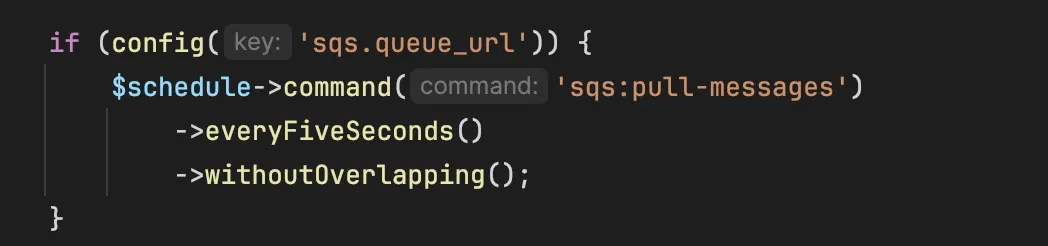
Section titled “5. Application”Because the messages are not in format of Laravel queue job, we need to set up a command/scheduler to pull the messages from SQS and process them accordingly.